Describe the demand, not the diagnosis
“Press to interact” sounds simple until the player must hold a shoulder button while steering, keep another button depressed and release at a precise moment. List these demands separately. Reach, force, repetition, sustained posture and timing can each exclude someone for different reasons. A player’s capacity may also vary across a session. Ask which part creates friction rather than assuming that a diagnosis predicts an appropriate control scheme. The goal is meaningful choice, not a special mode assigned to a presumed type of person.
Make remapping complete and legible
Offer action-based remapping for gameplay and check whether menus, inventories, photo modes and vehicles follow the same model. Update prompts immediately after a binding changes. Display conflicts before saving and distinguish a deliberate shared binding from an accidental collision. Give players a safe way to restore defaults without discarding unrelated preferences. For keyboard users, consider navigation as well as action keys. For controllers, account for digital buttons and analogue inputs rather than treating every physical control as interchangeable.
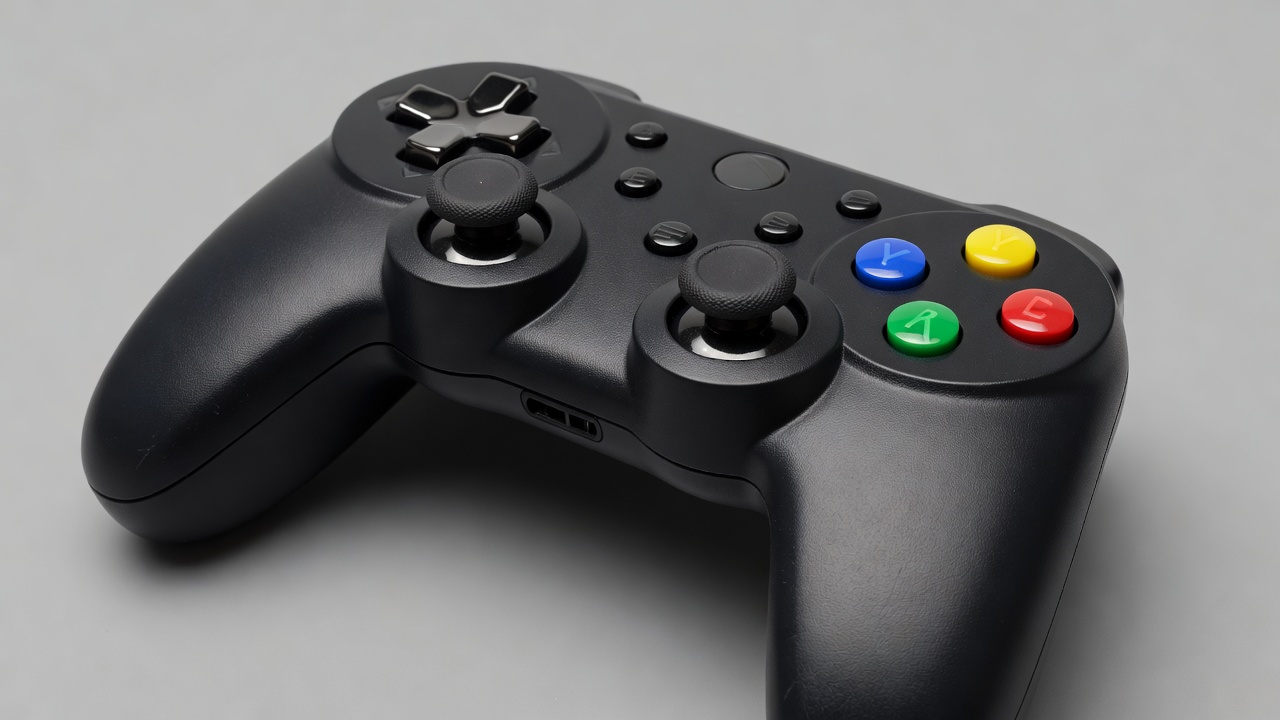
Operating-system and platform remapping can help, but an in-game action model can communicate context more accurately. The Xbox Adaptive Controller and Sony’s Access controller demonstrate configurable hardware approaches; they do not remove the need for flexible software. A game still decides whether a press must be held, whether an analogue movement is mandatory and whether an action can be performed without a chord. Avoid claiming device compatibility until the actual combination of platform, game and hardware has been tested.
Offer alternatives to sustained effort
A toggle can replace a long hold for aiming, sprinting or opening a radial menu. A single activation can replace rapid tapping during an interaction sequence. Where speed matters, let players adjust the required rate or choose an equivalent automatic action. Explain the result in plain language: “Press once to keep aiming; press again to stop.” A label such as “toggle mode” alone may not explain what changes. Make sure the chosen behaviour remains consistent after interruptions, cutscenes and checkpoint reloads.
Keep precision adjustable
Separate horizontal and vertical sensitivity where that distinction is useful. Provide dead-zone controls with an understandable preview, and explain the trade-off between unintended movement and responsiveness. Offer ways to reduce camera shake or disable motion-controlled actions. Aim assistance should describe what it does rather than hiding several effects behind one vague slider. Some players need assistance with tracking but not target selection; others need a different combination. Preserve independent settings when the underlying systems allow it.
Compare access considerations
| Barrier | Design option | Check in play |
|---|---|---|
| Repeated rapid presses | Hold or single-press alternative | Does every sequence respect the setting? |
| Simultaneous inputs | Sequential or toggled actions | Can menus and combat both be completed? |
| Fine stick movements | Dead-zone and sensitivity options | Can the player stop and select reliably? |
| Unreachable default button | Action-based remapping | Do prompts and tutorials update? |
Protect the first five minutes
Accessibility options need to be reachable before a game requires the actions they change. Let players configure essential controls from first launch and pause onboarding to inspect them. Do not demand a prolonged hold just to confirm a hold alternative. Provide a test space where mistakes do not consume resources or trigger irreversible progress. If changing a setting needs a restart, state that before confirmation and preserve the player’s existing setup. Settings discovery is part of the input journey, not an administrative detail outside it.
Test transitions, not just isolated actions
A control scheme that works for exploration may fail when a vehicle introduces a second stick requirement. Build a checklist of distinct contexts and test moving between them. Observe fatigue, accidental activations and recovery after a mistaken input, with the player’s permission. Ask whether the option feels understandable and sustainable, not simply whether the task was eventually completed. Record the platform, bindings and relevant settings so another developer can reproduce the barrier without reducing the participant to a diagnostic label.